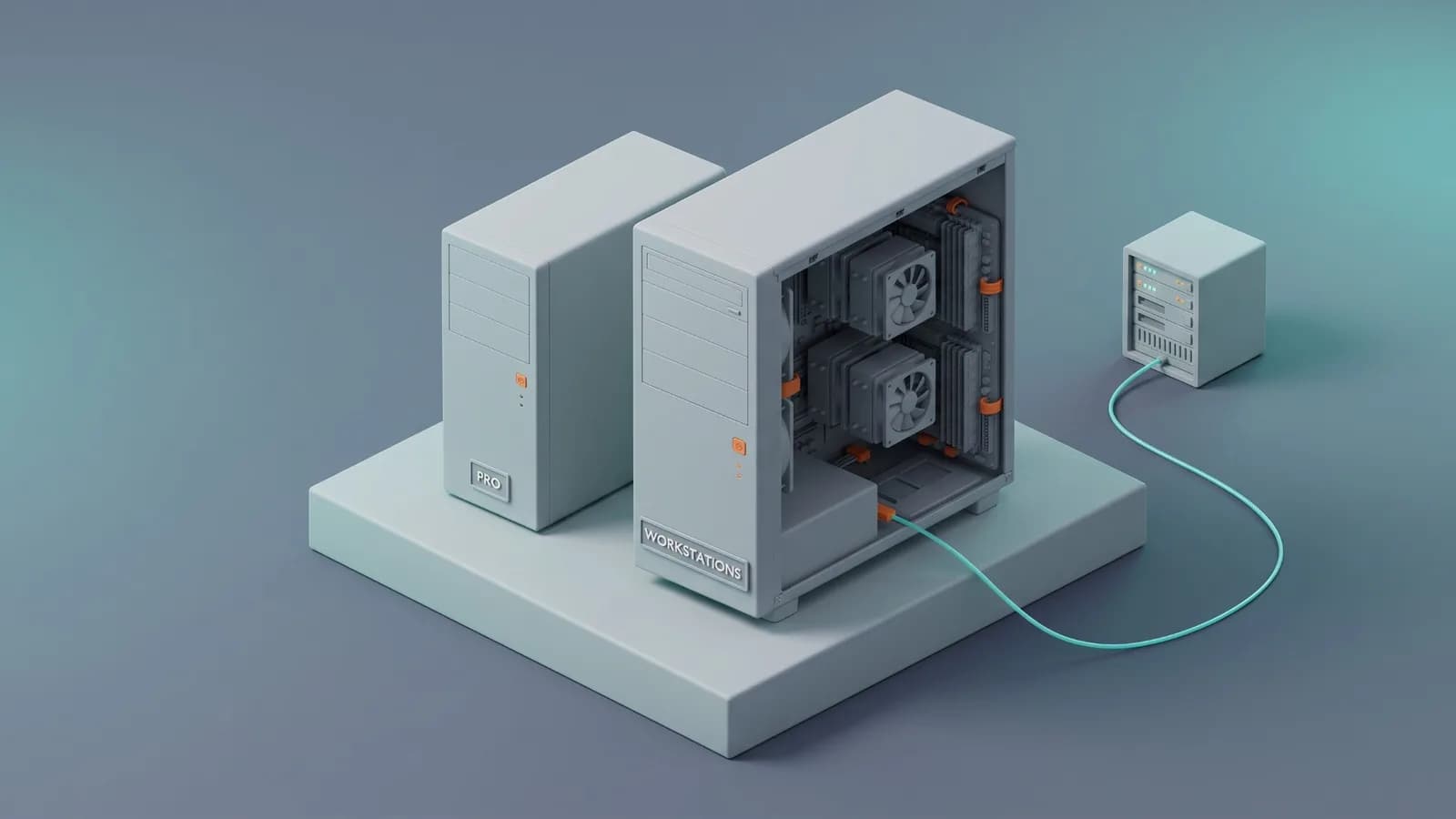
Short answer: Windows 11 Pro for Workstations is Windows 11 Pro plus support for server-class hardware: up to 4 CPUs and 6 TB of RAM (Pro: 2 CPUs and 2 TB), the ReFS file system, persistent memory (NVDIMM-N) and SMB Direct for RDMA network adapters. It costs $309 on Microsoft's US store, against $199.99 for Pro. If your PC has one processor, normal RAM and a normal network card, those extras do nothing for you, and Windows 11 Pro is the right choice.
This guide compares the two editions using Microsoft's own feature lists and explains who actually needs the Workstations edition.
Windows 11 Pro vs Pro for Workstations at a Glance
| Category | Windows 11 Pro | Pro for Workstations |
|---|---|---|
| Price (Microsoft US store) | $199.99 | $309.00 |
| Maximum CPUs (physical processors) | 2 | 4 |
| Maximum RAM | 2 TB | 6 TB |
| Resilient File System (ReFS) | Dev Drive only | Yes |
| Persistent memory (NVDIMM-N) | No | Yes |
| SMB Direct (RDMA networking) | No | Yes |
| BitLocker, Remote Desktop, Group Policy | Yes | Yes |
| Domain and Microsoft Entra ID join | Yes | Yes |
| Windows Security, Windows Hello, Smart App Control | Yes | Yes |
| Windows 11 hardware requirements | Same | Same |
| Category | Windows 11 Pro | Pro for Workstations |
|---|---|---|
| Price (Microsoft US store) | $199.99 | $309.00 |
| Maximum CPUs (physical processors) | 2 | 4 |
| Maximum RAM | 2 TB | 6 TB |
| Resilient File System (ReFS) | Dev Drive only | Yes |
| Persistent memory (NVDIMM-N) | No | Yes |
| SMB Direct (RDMA networking) | No | Yes |
| BitLocker, Remote Desktop, Group Policy | Yes | Yes |
| Domain and Microsoft Entra ID join | Yes | Yes |
| Windows Security, Windows Hello, Smart App Control | Yes | Yes |
| Windows 11 hardware requirements | Same | Same |
Feature rows come from Microsoft's Windows 11 business edition comparison, Microsoft Learn and the Microsoft Store listing. Prices were checked on Microsoft's US store on October 26, 2026.
What Pro for Workstations Adds Over Pro
Microsoft's business edition comparison marks every Pro feature as included in Pro for Workstations too. Only three feature rows are marked for Pro for Workstations and not for Pro. The other difference is the hardware limits.
More CPUs and More RAM
Microsoft's Store listing says Pro for Workstations supports up to 4 CPUs and 6 TB of memory. Microsoft Learn lists the memory limit for Windows 11 Pro as 2 TB, and when Microsoft introduced the Workstations edition it said Pro was limited to 2 CPUs.
"CPU" here means a physical processor in its own socket, not a core. Desktop processors from Intel and AMD, including high-core-count workstation chips, sit in one socket, so a single-processor PC counts as one CPU. Only dual- or quad-socket workstations, usually with server-class processors, go past Pro's limit.
Resilient File System (ReFS)
ReFS is a Microsoft file system built to protect data. Microsoft says it detects when data becomes corrupt on one of the mirrored drives and uses a healthy copy from another drive to repair it. That is useful for large storage pools of project files, footage or data sets.
Two things to know:
- Pro already has Dev Drive. Microsoft says Dev Drive, a storage volume for source code, package caches and build output that uses ReFS, is available on all Windows editions. If you only want a Dev Drive for coding, Pro is enough.
- Windows itself still runs on NTFS. Microsoft lists ReFS as not bootable, so ReFS is for data drives, not the drive Windows runs from.
Persistent Memory (NVDIMM-N)
Microsoft says Pro for Workstations supports non-volatile memory modules (NVDIMM-N). These modules work at memory speed but keep their data when the power goes off. They are server-class hardware: most desktops and laptops can't use them, so check the motherboard specs before this matters to you.
SMB Direct
SMB Direct lets network adapters with RDMA (Remote Direct Memory Access) run at full speed with very low latency while using very little CPU, which speeds up file sharing. It needs RDMA-capable network adapters, and the file server you connect to has to support it too. It is aimed at studios and labs that move large files to and from a file server all day.
Is Pro for Workstations Faster Than Pro?
Not on normal hardware. Microsoft markets the edition for heavy workloads, but its extra features only work when the matching hardware is there. On a PC with one processor, under 2 TB of RAM, regular SSDs and a regular network card, Pro and Pro for Workstations use the same Windows and perform the same.
The same goes for gaming. A gaming PC has one processor and nowhere near 2 TB of RAM, and gaming features such as DirectX 12 Ultimate, DirectStorage and Auto HDR are part of Windows 11 in every edition. Spend the price difference on hardware instead.
What About the Ultimate Performance Power Plan?
Microsoft introduced the Ultimate Performance power plan in 2018 as a new feature for Windows 10 Pro for Workstations. It builds on the High Performance plan and removes the small delays that fine-grained power management adds. Microsoft warned that it can use more power than the default Balanced plan, and it is not available on battery-powered PCs.
Microsoft's Windows 11 edition comparison does not list it as a Pro for Workstations feature. On other editions the plan is usually hidden, and many guides show a powercfg command that adds it, but Microsoft does not document that method. Either way, a power plan is not a reason to pay for Pro for Workstations.
Who Actually Needs Pro for Workstations?
Microsoft aims the edition at CAD professionals, animators, data scientists, graphic designers and media production teams. But the job title isn't the test; the hardware is. You need Pro for Workstations if your PC has at least one of these:
- More than two physical processors (a quad-socket workstation).
- More than 2 TB of RAM.
- NVDIMM-N persistent memory modules.
- ReFS storage pools on mirrored drives, beyond a Dev Drive.
- RDMA network adapters connected to a file server that supports SMB Direct.
If none of these apply, Windows 11 Pro does everything you need, including BitLocker, Remote Desktop hosting, Hyper-V, Windows Sandbox and joining a work domain. Our Windows 11 Home vs Pro comparison explains those Pro features.
How to Get Windows 11 Pro for Workstations
- Preinstalled: many workstation PCs from manufacturers ship with it. Microsoft's own product page points buyers to workstation devices.
- Microsoft Store: Microsoft sells it as a download for $309.00 in the US. Microsoft notes that if your PC couldn't install Windows 11 because of the system requirements, you can't install this version either. The hardware requirements are the same as for every Windows 11 edition.
- Upgrade from Pro: enter a Pro for Workstations product key in Settings > System > Activation > Change product key. Microsoft's Windows 11 installation media covers the editions, and the product key decides which one activates.
What About Windows 11 Enterprise?
Windows 11 Enterprise also supports 6 TB of RAM and adds tools for large organizations. It is sold through volume licensing to businesses, not as a single key for one PC. For one workstation, the choice is between Pro and Pro for Workstations.
For Most PCs, Windows 11 Pro Is the Right Pick
If your PC isn't a multi-socket or multi-terabyte machine, buy Windows 11 Pro and keep the difference. If you're upgrading from Home, our Home to Pro upgrade guide covers the steps, and you can switch without reinstalling Windows.
If you buy a key, check the license type. Retail licenses can move to a new PC later. OEM licenses cost less, are intended for new PCs from a manufacturer or system builder, and stay with the first PC they activate on. Our Windows 11 Pro OEM vs Retail guide explains the difference, and you can view the Windows 11 Pro OEM key on PingGM Store. PingGM Store does not sell Pro for Workstations.
PingGM Blog is published by PingGM, which also runs PingGM Store, where Windows 11 Pro keys are sold.
Final Thoughts
Windows 11 Pro for Workstations is Pro with support for hardware that few PCs have: more than two processors, more than 2 TB of RAM, persistent memory, ReFS storage pools and RDMA networking. If your workstation has that hardware, the edition is worth it. For gaming PCs, laptops and single-processor creative or development machines, Windows 11 Pro gives you the same Windows for less.
Sources Checked
- Compare Windows 11 editions for business — Microsoft
- Windows 11 Pro for Workstations — Microsoft
- Buy Windows 11 Pro for Workstations — Microsoft Store (price checked October 26, 2026)
- Buy Windows 11 Pro — Microsoft Store (price checked October 26, 2026)
- Memory limits for Windows releases — Microsoft Learn
- Microsoft announces Windows 10 Pro for Workstations — Microsoft 365 Blog (2017)
- Announcing Windows 10 Insider Preview Build 17101 (Ultimate Performance power plan) — Windows Insider Blog (2018)
- Resilient File System (ReFS) overview — Microsoft Learn
- Set up a Dev Drive on Windows 11 — Microsoft Learn
- Download Windows 11 — Microsoft