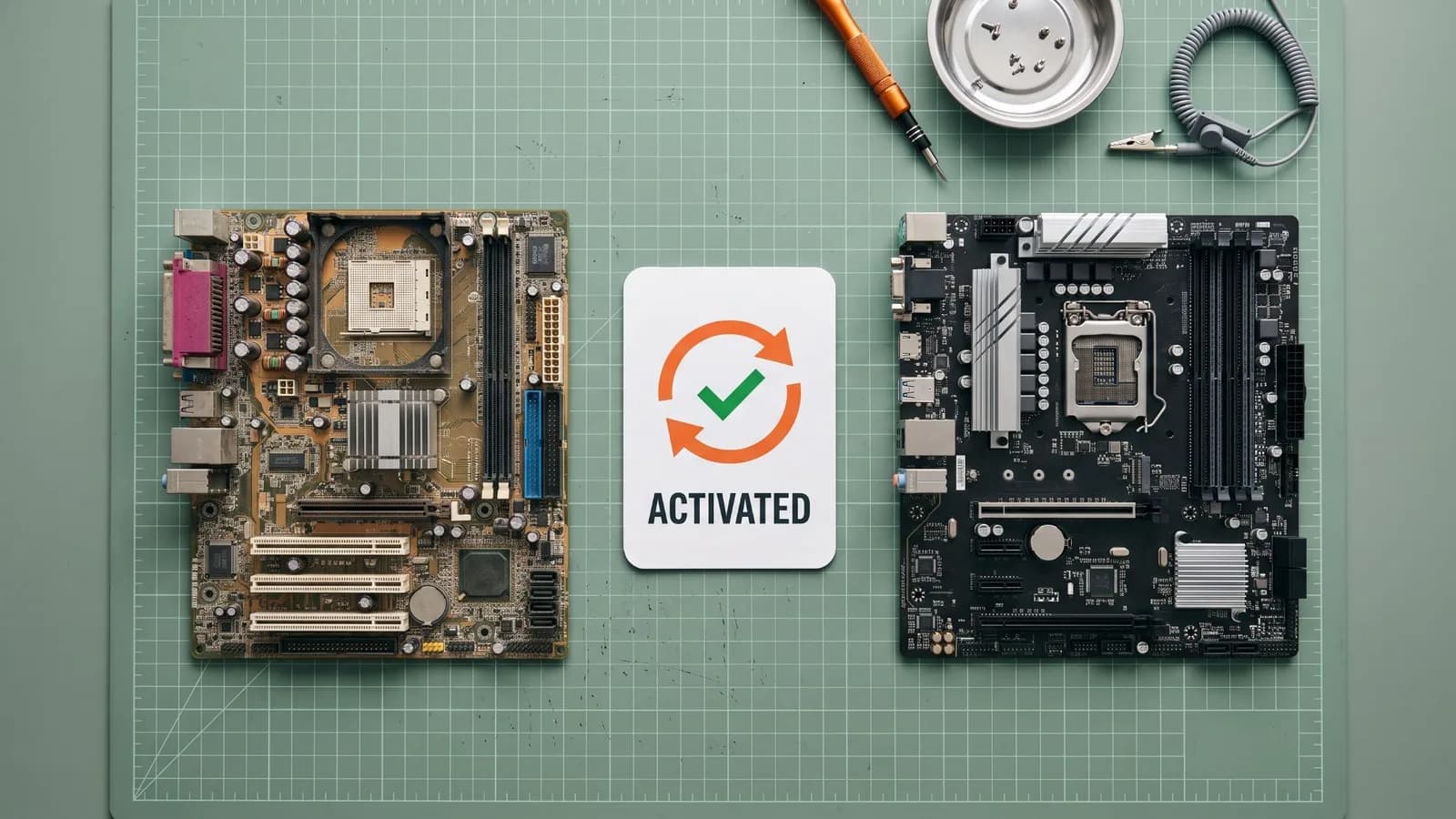
OEM vs Retail at a Glance
Short answer: OEM and Retail keys unlock exactly the same Windows 11 Pro, with the same features, security updates, and performance. The difference is the license rights: an OEM license stays with the first PC it is activated on, while a Retail license can be moved to a new PC, as long as it is used on only one PC at a time.
Quick Decision: OEM or Retail?
- Choose OEM if you are setting up one PC and do not plan to replace the motherboard. View Windows 11 Pro OEM
- Choose Retail if you upgrade hardware, may move Windows to a new PC later, or want the most flexible license. View Windows 11 Pro Retail
PingGM Blog is published by PingGM, which also runs PingGM Store, where these keys are sold.
The rest of this guide explains each license type, the key differences, and which option fits budget, upgrade, and business setups.
What Is an OEM Windows 11 Pro License?
A Windows 11 OEM license (Original Equipment Manufacturer) is the type of license that usually comes pre-installed on new laptops and desktops.
It is mainly intended for PC manufacturers and system builders.
People usually choose OEM because it costs less upfront.

Windows 11 Pro OEM License Limitations
The most important thing to understand is this:
An OEM license is tied to the motherboard.
That means:
- It activates on one device
- It stays with that device permanently
- It cannot legally be moved to a different PC
So if you are wondering: Can OEM Windows license be transferred? The answer is NO.
Why Is OEM License Cheaper?
OEM licenses are cheaper because:
- Microsoft expects them to stay on one computer
- Transfer rights are restricted
- Support is usually handled by the seller or manufacturer, not Microsoft directly
OEM is a solid choice if you want Windows installed on one PC and don't plan major hardware upgrades.
What Is a Retail Windows 11 Pro License?
A Windows 11 Retail license is the version sold directly to consumers through:
- Microsoft's official store
- Authorized retailers
- Trusted digital software distributors
This is often called a Windows 11 Pro retail key.
If you plan to upgrade your PC in the future, a Retail license gives you the most flexibility.

Windows 11 Retail License Transfer
The biggest advantage is simple:
A Retail license is transferable.
So if you upgrade or replace your PC later, you can move the license.
People ask a question:
- Is Windows 11 Retail license transferable?
- Can I reinstall Windows 11 retail key?
Yes, as long as the license is active on only one device at a time.
After a major hardware change, such as a new motherboard, Windows reactivates only if the edition stays the same (Pro to Pro). Linking your license to a Microsoft account beforehand lets you use the Activation troubleshooter's I changed hardware on this device recently option. See how to activate Windows 11 Pro for the steps. If Windows already shows as not activated after a motherboard change, follow our guide to reactivating Windows 11 after a hardware change.
Who Provides Support?
Support depends on the license type:
- Retail: supported by Microsoft for activation, installation, and licensing questions.
- OEM: supported by the PC manufacturer or system builder that supplied it, not by Microsoft directly.
If direct Microsoft support matters to you, for example in a business setting, Retail is the simpler choice.
For keys bought from PingGM Store, PingGM Store support ([email protected], replies usually within 24 hours) helps with delivery and activation. PingGM sources its keys from authorised resellers and is not affiliated with Microsoft.
OEM vs Retail Windows 11 Pro - Key Differences
The OEM vs Retail Windows 11 difference is not about features. It is about licensing rights, flexibility, and long-term value.
At-a-Glance Comparison
| Category | OEM License | Retail License |
|---|---|---|
| Price | Usually cheaper upfront | Slightly higher, better long-term value |
| Transfer Rights | Locked to the first motherboard | Transferable to a new PC |
| Best For | One-time setups | Upgrades and long-term use |
| Activation Rules | Works on one device only | Works on one device, but movable |
| Support | PC maker or seller | Microsoft |
| Reinstall Allowed | Yes, on the same PC | Yes, and also on future PCs |
| Category | OEM License | Retail License |
|---|---|---|
| Price | Usually cheaper upfront | Slightly higher, better long-term value |
| Transfer Rights | Locked to the first motherboard | Transferable to a new PC |
| Best For | One-time setups | Upgrades and long-term use |
| Activation Rules | Works on one device only | Works on one device, but movable |
| Support | PC maker or seller | Microsoft |
| Reinstall Allowed | Yes, on the same PC | Yes, and also on future PCs |
Which One Should You Buy?
Key Takeaways
So, Windows 11 Pro OEM license vs Retail license which is better?
- It depends on how you plan to use your PC.
Still unsure? For most long-term users, a Retail Windows 11 Pro license offers better flexibility and long-term value.
Best for Budget Users - OEM License
If your main goal is saving money, OEM can be a good fit.
OEM works best when:
- You want the lowest upfront cost
- You are installing Windows on one PC only
- You don't have plan to replace major hardware
So, Is OEM Windows 11 worth it? For simple home setups, it often is.
Best for Future Upgrades - Retail License
Retail is the smarter option if you expect changes over time.
Choose Retail if:
- You upgrade your PC every few years
- You might replace your motherboard
- You want the option to move your license
For most users, a Retail license is better than OEM in the long run.
Best for Businesses - Retail License
For business use, Retail is usually the right choice.
Businesses care about:
- Clear licensing compliance
- A clear support path
- Hardware replacements over time
Microsoft OEM license rules are stricter, so Retail keeps things easier and safer.
Related Guides:
Final Recommendation
The choice between a Windows 11 Pro OEM vs Retail license comes down to one question:
Do you want a one-time setup, or long-term flexibility?
- OEM is best if you are installing Windows on one PC and keeping it unchanged
- Retail is best if you want the freedom to upgrade, reinstall, or move your license later
For most home users and businesses, Retail is usually worth the small extra cost.
Still on Windows 10? If your PC meets the Windows 11 requirements, the upgrade to the matching Windows 11 edition is free, so you may not need a new key. If you are staying on Windows 10 for now, Extended Security Updates now run to October 12, 2027.
Already on Windows 11 Home? You can switch to Pro without reinstalling by entering a Pro key in Settings. Our Windows 11 Home to Pro upgrade guide walks through the steps and common errors.
Ready to Activate Windows 11?
If you have decided which license fits your needs:
- Buy Windows 11 Pro OEM License (Best for single PC setup)
- Buy Windows 11 Pro Retail Key (Best for future upgrades)
PingGM Store delivers keys by email, usually within 1 hour of payment confirmation (fulfilment is manual). Read the Store's Delivery & Payment and Refund & Return Policy pages before you buy, and use our Windows 11 Pro activation guide once you have your key.
Once you have the right license, activating Windows 11 is simple. The key is choosing the version that fits your needs.