Short answer: go to Start > Settings > System > Activation, select Change product key, and enter your 25-character Windows 11 Pro product key. You can also enter the key during Windows setup. The steps below cover both, plus how to check your status and fix common activation errors.
Need a key? Compare the two license types in our OEM vs Retail guide, or view the Windows 11 Pro OEM and Windows 11 Pro Retail keys on PingGM Store.
PingGM Blog is published by PingGM, which also runs PingGM Store, where these keys are sold.
Still on Windows 10? Eligible PCs can upgrade to the matching Windows 11 edition for free, and Windows 10 security updates now run to October 12, 2027 through Extended Security Updates.
Activate Windows 11 Pro During Installation (Optional)
If you're installing Windows 11 Pro for the first time, Windows will ask you to enter your product key during the setup process.
Simply type your license key when prompted, and Windows will automatically activate once installation is complete.
Activate Windows 11 Pro After Installation
Did not enter your product key during setup? No problem, you can activate Windows 11 Pro anytime after installation as well.
To activate Windows 11 Pro after installation, follow these simple steps:
Step 1: Open Settings
Click the Start button, then select Settings (the gear icon).

Step 2: Go to Activation
Inside Settings, navigate to:
System and then select Activation

Step 3: Select Change Product Key
On Activation Page, Select: Change product key

Step 4: Enter Your Product Key
Type in your Windows 11 Pro product key, confirm it and Windows will activate your system.
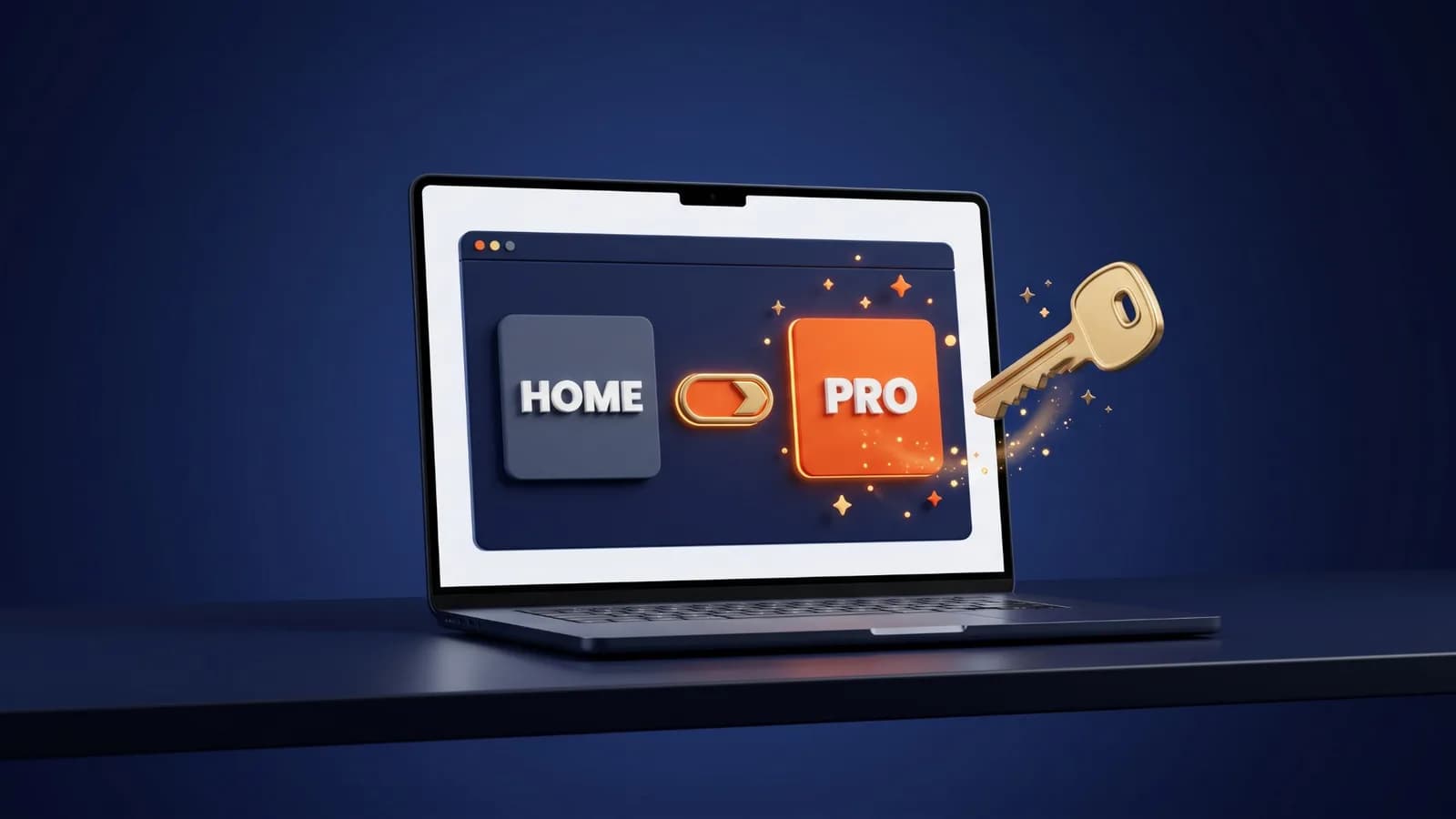
Upgrading from Windows 11 Home? Enter your Pro key the same way under Change product key. Windows upgrades the edition in place, so you do not need to reinstall. See our Windows 11 Home to Pro upgrade guide for the full steps and error fixes.

Check Whether Windows 11 Is Activated
Go to Start > Settings > System > Activation and look at Activation status. If Windows is activated with a digital license linked to your Microsoft account, it says so here.
Link Your License to a Microsoft Account
Linking your license makes reactivation easier after hardware changes:
- Sign in to Windows with an administrator account.
- Check that Settings > Accounts > Your info shows a Microsoft account email.
- Go back to Settings > System > Activation and select Add an account, then sign in.
When it works, the status reads Windows is activated with a digital license linked to your Microsoft account.
Common Activation Errors and Fixes
- 0xC004F050: The product key cannot be used to activate this copy of Windows. Check the key and the edition, or use a different key.
- 0xC004C003: The key is assigned to a single device and is already in use. Use a separate key for this PC.
- 0xC004C008: The key has already been used on another device. Each PC needs its own key.
- 0x803F7001: No valid Windows license was found. Enter a valid key under Change product key.
- 0xC004F213: No product key was found on the device, often after a motherboard change. See the hardware change section below.
If you see a different error, open Settings > System > Activation and select Troubleshoot. Also check that your date and time are correct and that your internet connection or firewall is not blocking activation.
Bought your key from PingGM Store? If activation still fails, contact PingGM Store support ([email protected], replies usually within 24 hours) with the error code. The Store's Refund & Return Policy explains how key issues are handled.
After a Hardware Change
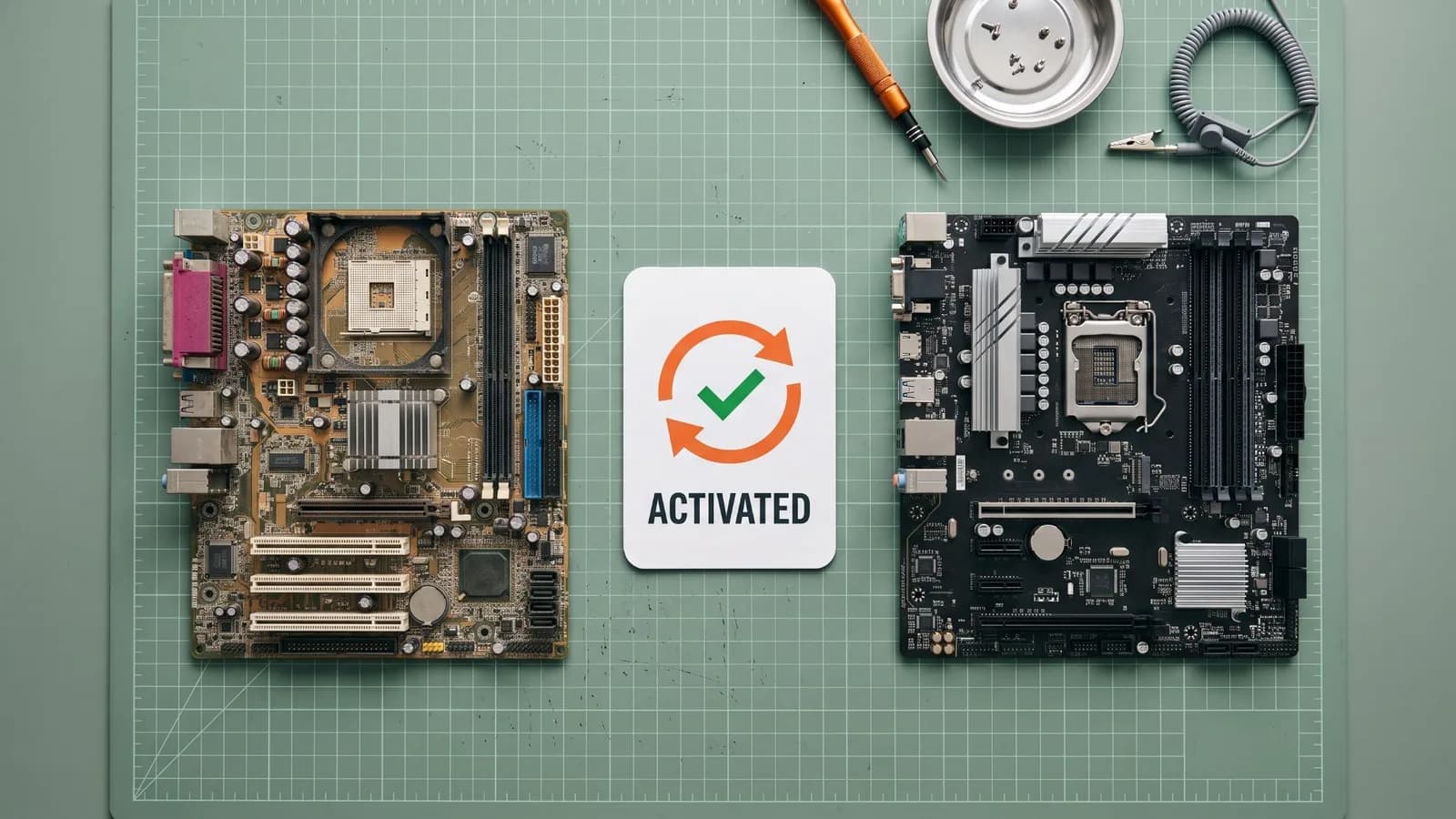
A major change such as a new motherboard makes Windows treat the PC as a new device. If your license was linked to your Microsoft account, run the Activation troubleshooter and choose I changed hardware on this device recently. Reactivation only works if the edition stays the same (Pro to Pro). If Windows already shows as not activated, see Windows 11 not activated after a hardware change for every fix, including BIOS updates, repairs and reinstalls.
OEM licenses are tied to the first PC they activate on, so they usually do not move to new hardware. If you expect to upgrade, read our Windows 11 Pro OEM vs Retail comparison before you buy.
Important:
Always use a valid license key from a trusted source to avoid activation errors or counterfeit licenses.
Final Thoughts
Activating Windows 11 Pro is quick and easy once you have the right product key. Whether you activate during installation or afterward, the process only takes a few minutes.
If you are ready to activate Windows safely and avoid errors:
- Get Windows 11 Pro OEM License (Affordable, single-device use)
- Get Windows 11 Pro Retail Key (Transferable and future-proof)
Not sure which one fits your PC? Compare Windows 11 Pro OEM vs Retail.