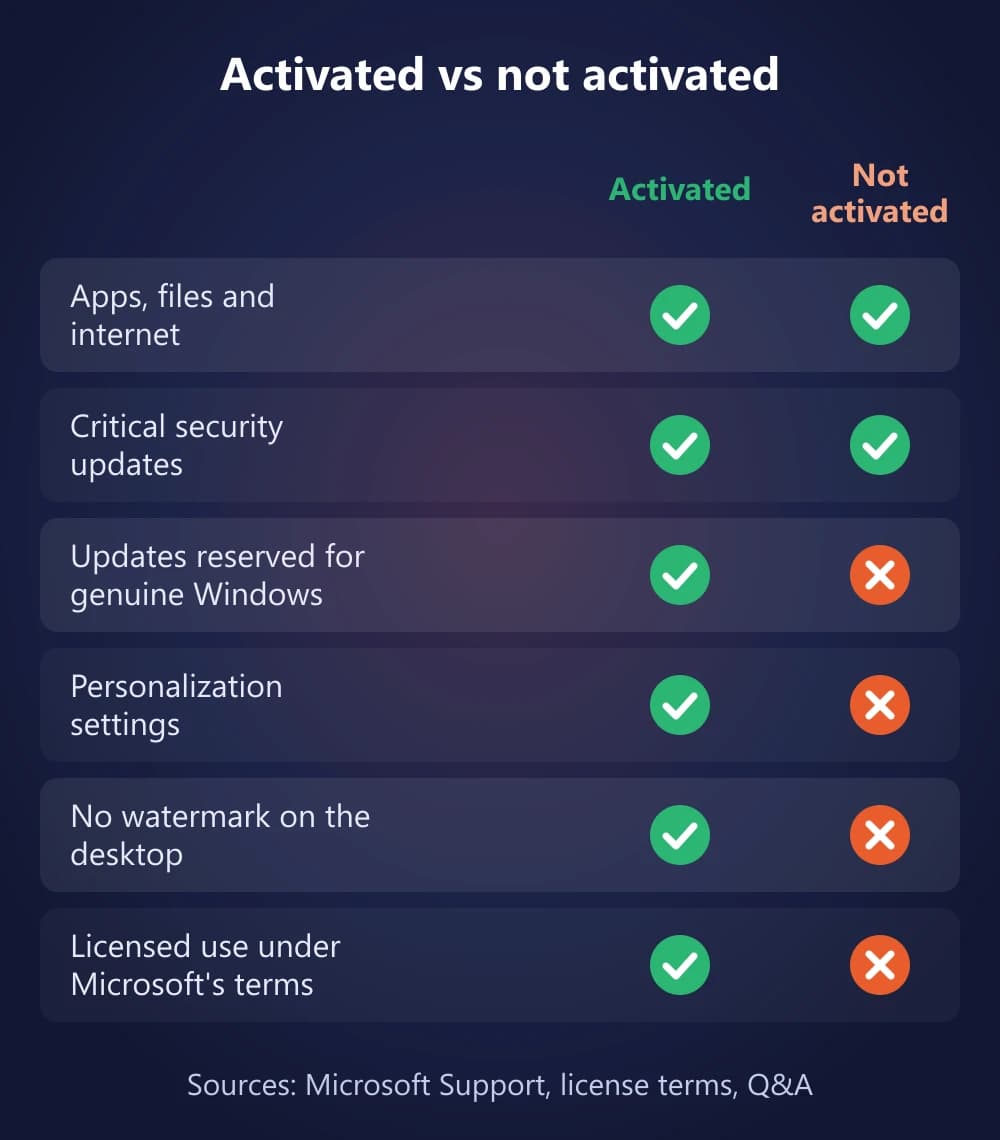
Short answer: Windows 11 keeps working if you don't activate it. Your apps, files and internet connection work as normal, and Microsoft says you still get critical security updates. But an "Activate Windows" watermark stays on the desktop, personalization settings are locked, and other updates are reserved for genuine Windows. Microsoft's license terms also say you are only authorized to use Windows once it is properly licensed and activated.
What Is Windows Activation?
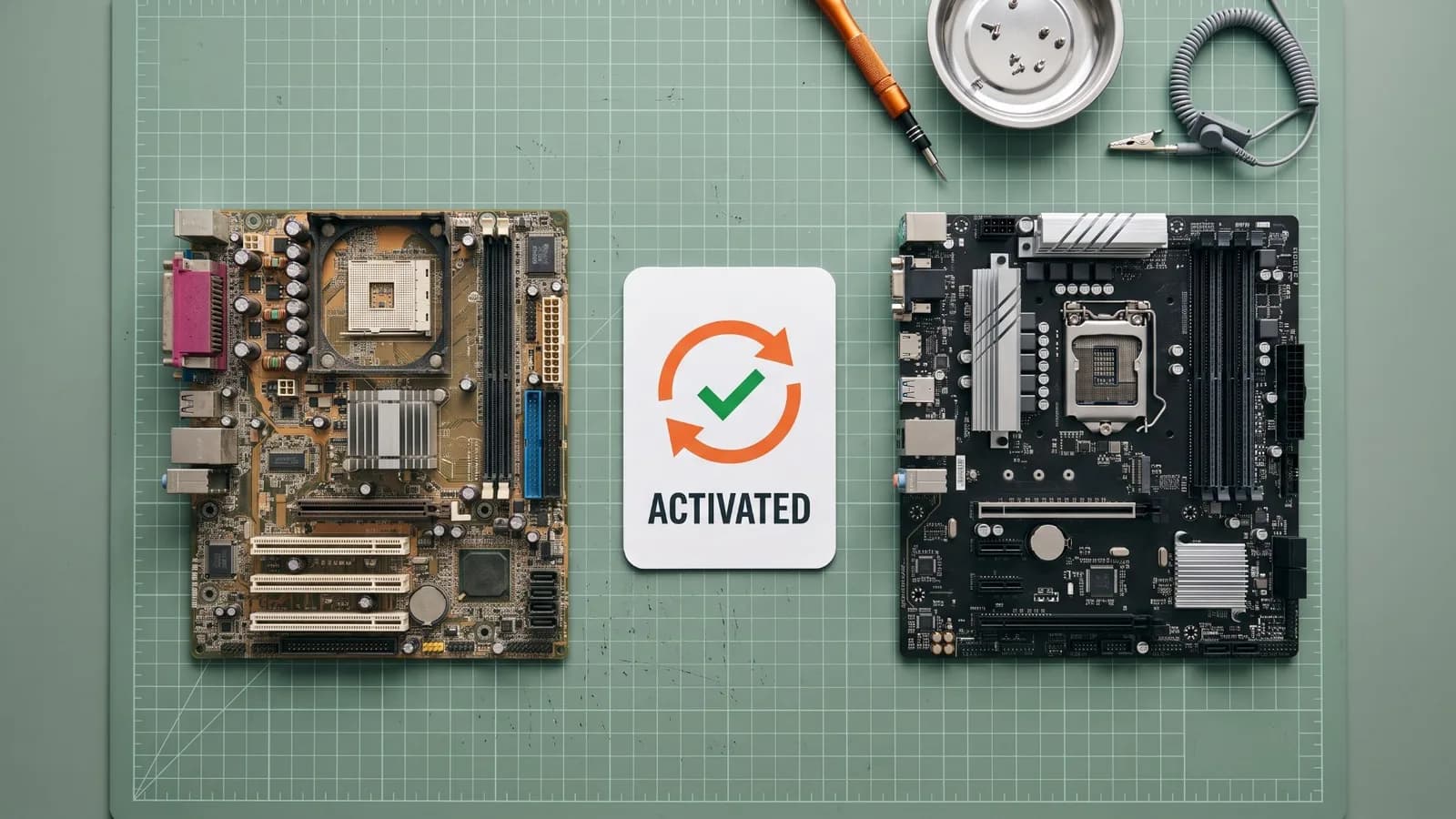
Windows activation is the process that pairs your product key or digital license with your PC's hardware. Microsoft says it helps verify that your copy of Windows is used only on PCs the license terms allow. You usually activate once, unless you make a significant hardware change such as replacing the motherboard.
Activation is not the same as validation. Microsoft describes validation as a separate online check that your copy is genuine and that its licensing files are intact, and some updates and downloads need it. An unactivated PC has neither a confirmed license nor full access to those updates.
What Still Works Without Activation
Windows 11 installs without a product key. During setup you can choose I don't have a product key, and Microsoft's own activation page explains how to buy a license afterwards. Until you activate:
- Apps, files and the internet work as normal. Not activating does not delete or lock your data.
- Critical security updates keep arriving. Microsoft's "About Genuine Windows" page says Windows will always be able to get critical security updates, even if your copy isn't genuine.
- Your edition stays the same. An unactivated Windows 11 Pro is still Pro, and you can activate it later with a Pro key.
What Are the Limitations of Unactivated Windows 11?
These are the differences you notice day to day:
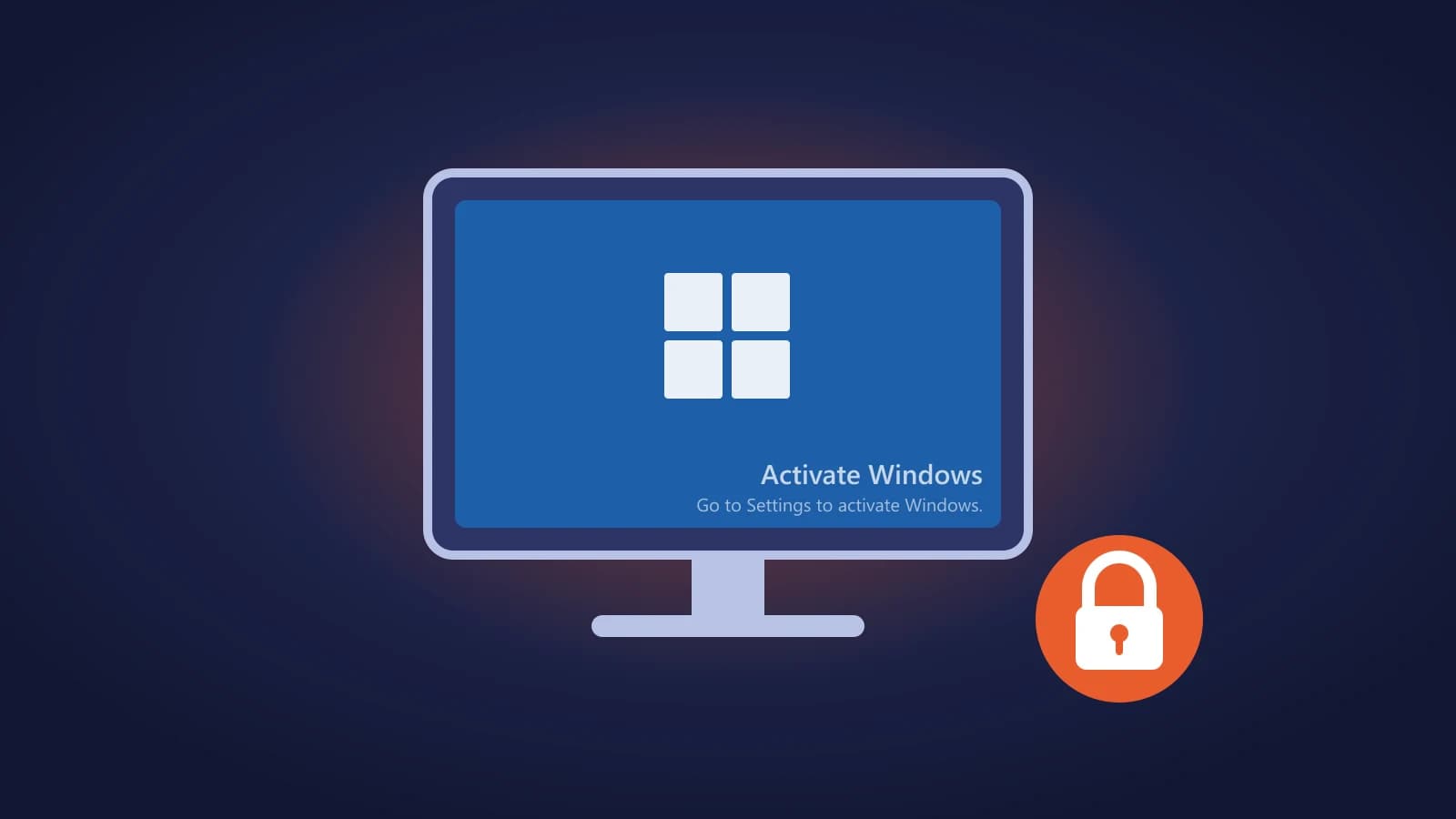
- "Activate Windows" watermark. A semi-transparent "Activate Windows" message sits in the bottom-right corner of the screen until you activate.
- Personalization is locked. Users on Microsoft Q&A report that they cannot change the wallpaper and that the Personalization pages in Settings ask them to activate Windows first.
- Activation reminders. The Activation page in Settings says Windows is not activated and shows an error message explaining why. Users also report regular reminders to activate.
- Fewer updates and downloads. Microsoft says many updates are reserved for genuine Windows. When your PC downloads updates, Windows checks whether your product key or digital entitlement is valid, and your copy may need to pass validation before you get those updates and downloads.
Microsoft does not publish a complete list of what is limited on an unactivated PC, so treat the personalization details as what users see today rather than a fixed rule.
Is There a Grace Period or Time Limit?
Microsoft does not document a grace period, countdown or automatic shutdown for Windows 11. Setup lets you skip the product key, and Microsoft's activation page explains how to buy a license afterwards, without mentioning any deadline. Users report that an unactivated PC keeps running and simply stays unactivated, with the watermark, the personalization lock and activation reminders, until it is activated.
You can activate at any point, even months later, without reinstalling Windows or losing your files. That does not make unactivated use a long-term option, as the next section explains.
Is It Legal to Use Windows 11 Without Activation?
Microsoft's Windows 11 license terms say you are authorized to use the software only if you are properly licensed and the software has been properly activated with a genuine product key or another authorized method. They also say you may not bypass or circumvent activation.
In practice, that means:
- Installing Windows 11 and activating it later is normal. Microsoft supports it in setup.
- Running Windows 11 unactivated indefinitely is outside the license terms.
- Tools that fake activation break the terms, as well as being a security risk.
This is general information about Microsoft's terms, not legal advice.
Can You Remove the Watermark Without Activating?
There is no supported way. Activation is the only fix Microsoft offers for the watermark and the personalization lock. Registry edits and scripts shared online only hide the watermark, and users report it comes back. Activator tools run unknown code with administrator rights on your PC. Microsoft's terms also forbid bypassing activation.
If your goal is just a clean desktop, activating with a genuine license is the only route that also restores personalization and keeps you within the license terms.
Why Is Your Windows 11 Not Activated?
If you expected Windows to be activated, check the reason before you buy anything:
- You skipped the product key during setup. Enter it now under Settings > System > Activation > Change product key.
- You replaced the motherboard. Windows treats the PC as a new device. See Windows 11 not activated after a hardware change.
- The edition doesn't match your license. A Home license cannot activate Pro, and a Pro key cannot activate Home. See our Windows 11 Home vs Pro comparison or upgrade guide.
- The key is already used on another PC. Errors such as 0xC004C003 and 0xC004C008 mean the key is tied to another device. See how to fix 0xC004C003 and 0xC004F213.
- You bought a refurbished PC. Microsoft says the refurbisher, not Microsoft, must provide the product key.
How to Activate Windows 11
Activate Windows 11
- Open Start > Settings > System > Activation and check the Activation status and your edition (Home or Pro).
- If you have a product key, select Change product key and type the 25-character key.
- If this PC had a digital license before, connect to the internet and sign in with the linked Microsoft account. If you changed hardware, use Troubleshoot on the same page.
- If you have no license, select Open Store to buy a digital license from Microsoft, or buy a product key from an authorized seller.
- Check the Activation page again. Once it says Windows is activated, the watermark and personalization lock go away.
For every activation method, including Command Prompt and phone activation, see our Windows 11 Pro activation guide. Not sure which license type to buy? Our Windows 11 Pro OEM vs Retail guide compares them, and you can view the Windows 11 Pro OEM key on PingGM Store.
PingGM Blog is published by PingGM, which also runs PingGM Store, where Windows 11 Pro keys are sold.
Final Thoughts
Not activating Windows 11 won't break your PC or delete your files, and Microsoft still sends critical security updates. But you live with a permanent watermark, locked personalization and fewer updates, and Microsoft's terms only authorize use once Windows is properly licensed and activated. If you plan to keep using the PC, activate it with a digital license or a genuine product key. You can do it at any time without reinstalling.